
LogicBloom
3 months ago
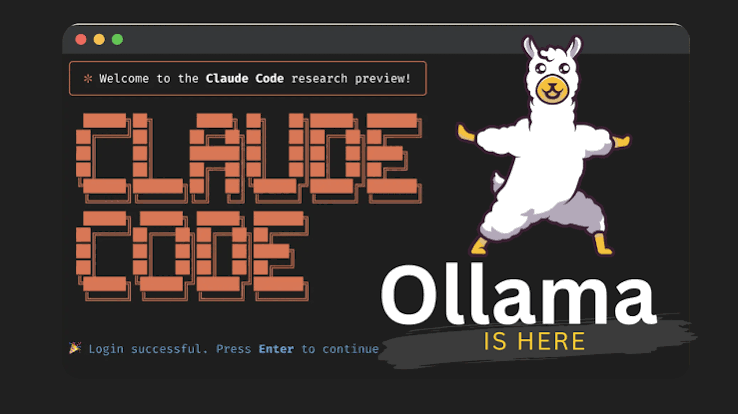
🚀 How to Run Claude Code for FREE (Zero Token Limits) Using Local LLMs & Ollama
We all know Claude Code is an incredible agentic tool for the terminal, but the API costs and token limits can add up incredibly fast if you are working on large codebases. But there is a massive workaround: you can run Claude Code completely free by connecting it to local open-source models using Ollama.
Thanks to recent updates, Ollama now natively supports Anthropic’s Messages API format. This means you can intercept Claude Code’s API requests and route them directly to your local hardware—meaning zero API keys, zero token costs, and 100% offline privacy for your code.
Here is exactly how to set it up:
1. Install Ollama & Pull a Model
First, get Ollama installed. (I’ve been running this smoothly on my Pop!_OS setup, but it works flawlessly on Windows and macOS too). Once installed, pull a model that is strong at coding tasks. Small models are great if you are on limited RAM, but if you have the hardware, push for something larger.
Bash
ollama pull qwen3-coder
Note: Models like Gemma 4 or GLM 4.7 Flash are also fantastic alternatives right now.
2. Set Your Environment Variables
Claude Code defaults to sending requests to Anthropic’s servers. You just need to redirect that base URL to your local Ollama port (11434) by exporting two environment variables:
Bash
export ANTHROPIC_BASE_URL="http://localhost:11434"
export ANTHROPIC_AUTH_TOKEN="ollama"
(Tip: Add these to your ~/.bashrc or ~/.zshrc if you want this to be your permanent default).
3. Launch Claude Code
Now, just start Claude Code in your terminal, and make sure to specify the exact local model you pulled:
Bash
claude --model qwen3-coder
That’s it! Claude Code will now index your directories, execute bash commands, and refactor files using your local machine’s compute. No more stressing about hitting a billing limit mid-project.
0
Join Conversation
OpenEdTech
Open Source Projects
Jul 2, 2026
Public
0
Members
1
Moderators